
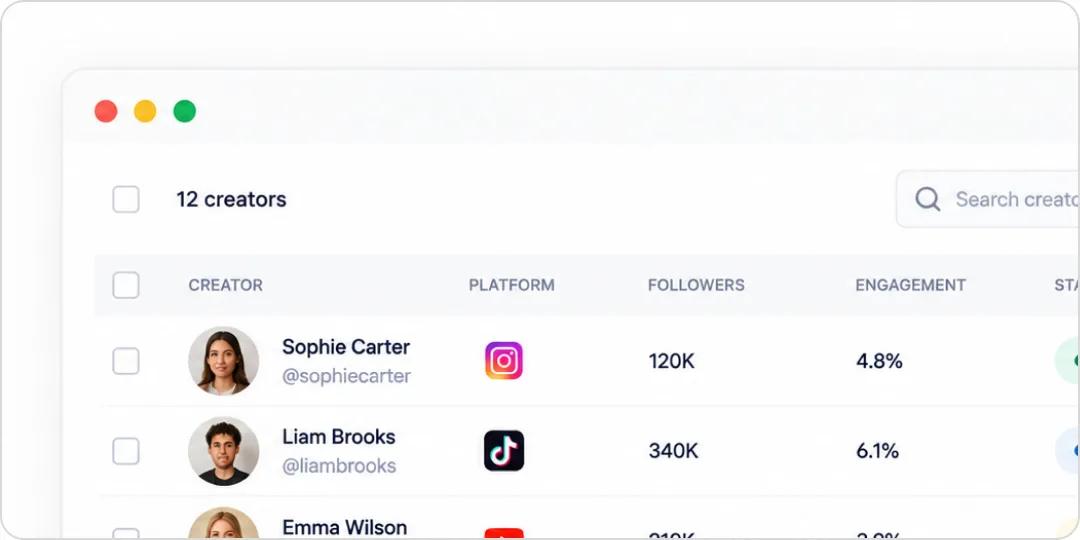
List view
A spreadsheet-style view of every creator in the campaign, built for scanning, filtering, comparing, and bulk actions.
Organize creators, conversations, agreements, content, and payments per campaign in a single workspace. Move creators through a pipeline you control, and never dig through spreadsheets or inboxes again.
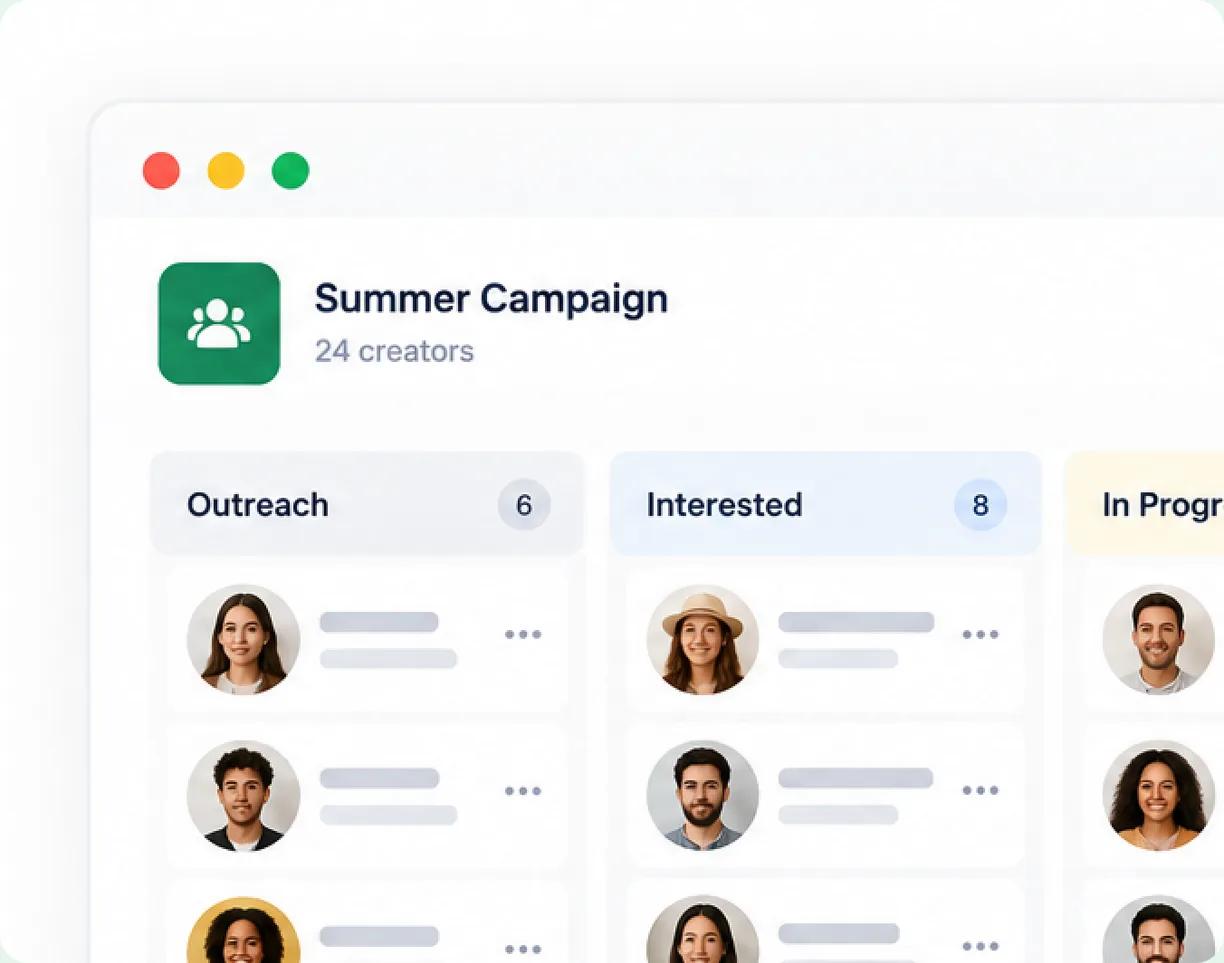








Influencer relationship management, without the spreadsheets. Heepsy organizes your work into Projects, one workspace per campaign, where the creators, conversations, agreements, content, and payments all live together. See everyone at a glance in a spreadsheet-style list, move creators through a pipeline like a CRM, or open a single creator to manage the whole collaboration.
Scan the whole roster, manage the pipeline, or zoom into a single creator.
A spreadsheet-style view of every creator in the campaign, built for scanning, filtering, comparing, and bulk actions.
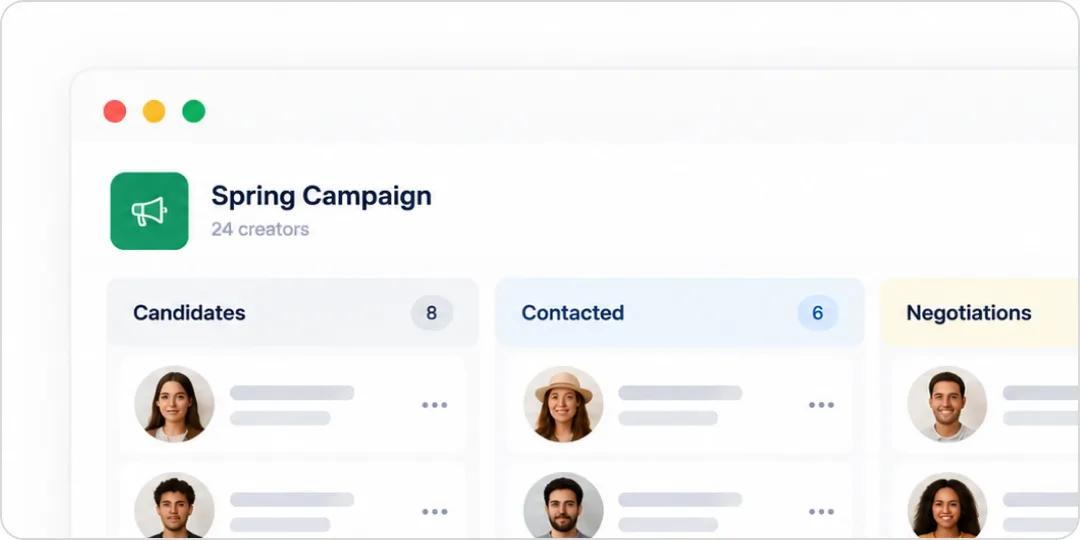
A visual pipeline with stages like Candidates, Contacted, Negotiations, and Approved. Customize the stages and drag creators through as the relationship moves.
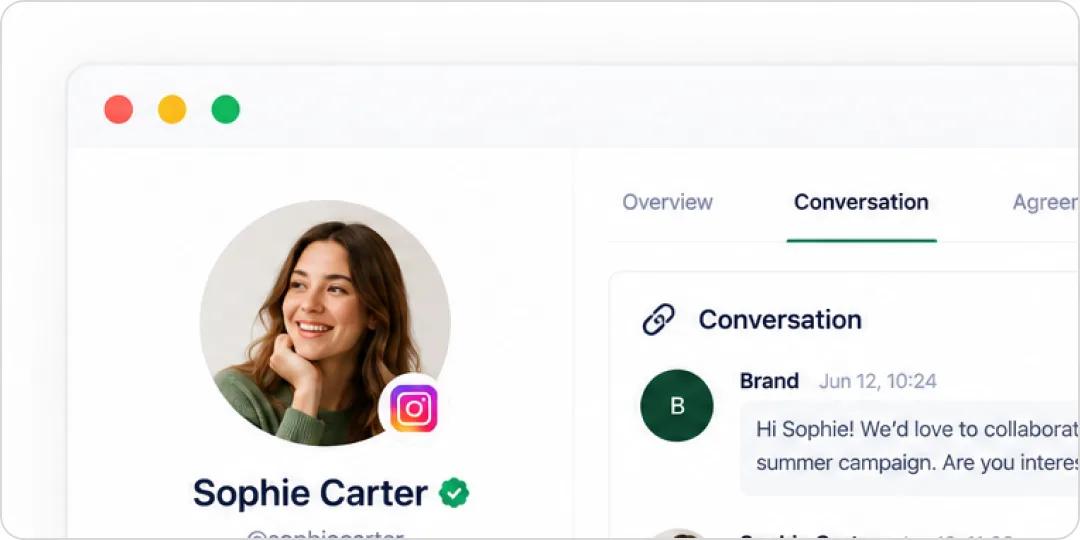
The full workspace for one creator: the entire conversation, the agreement with deliverables and compensation, tracking links, promo codes, file uploads, and payment records.
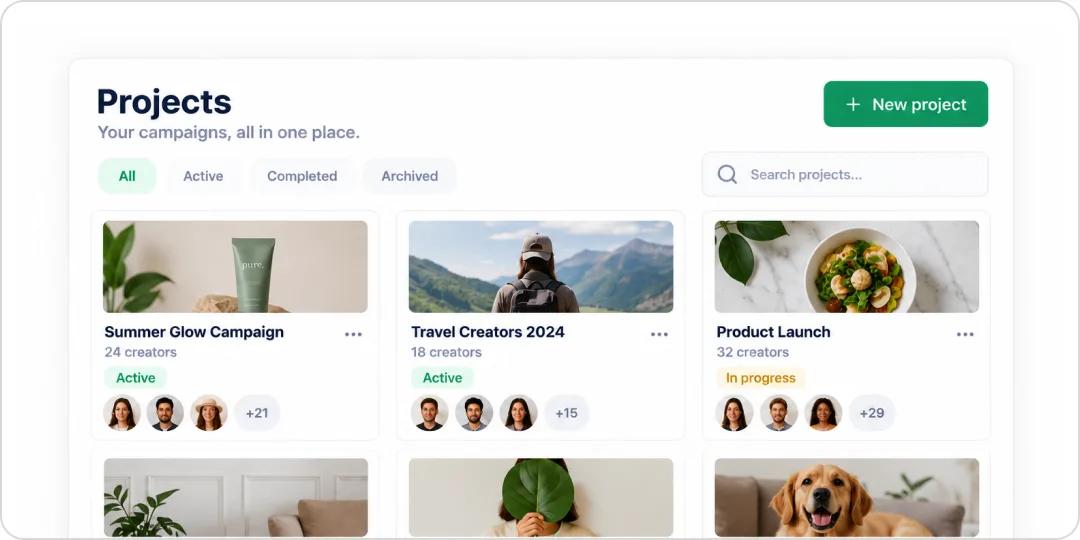
Every Project keeps its own records, so a creator can sit in multiple campaigns without their data mixing. Paid plans get unlimited Projects.
Spin up a workspace for your campaign and add the creators from search, detection, or the marketplace.
Drag creators across stages as you contact, negotiate, and approve them.
Open a Creator Card to handle the conversation, agreement, content, and payment in one place.
However many campaigns and creators you’re juggling, Projects keep them straight.

Keep each campaign in its own Project so nothing overlaps or gets lost.
Give every client their own Projects, cleanly separated, and share access with the right people.
Track ongoing relationships in a dedicated Project so history is always at hand.
Work the same campaign with teammates, sharing views and updates in real time.
Adapt the pipeline, bring your team in, and keep every campaign’s records separate.
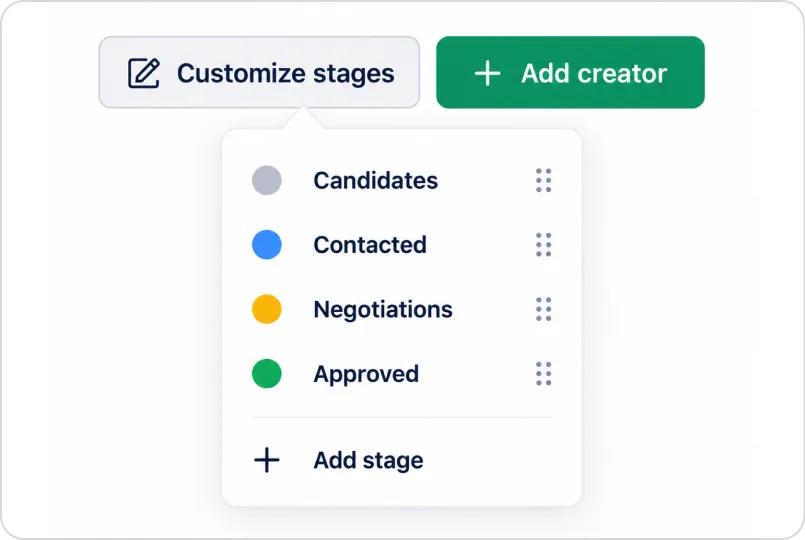
Rename and reorder the Board stages to match your actual workflow, not a fixed template.
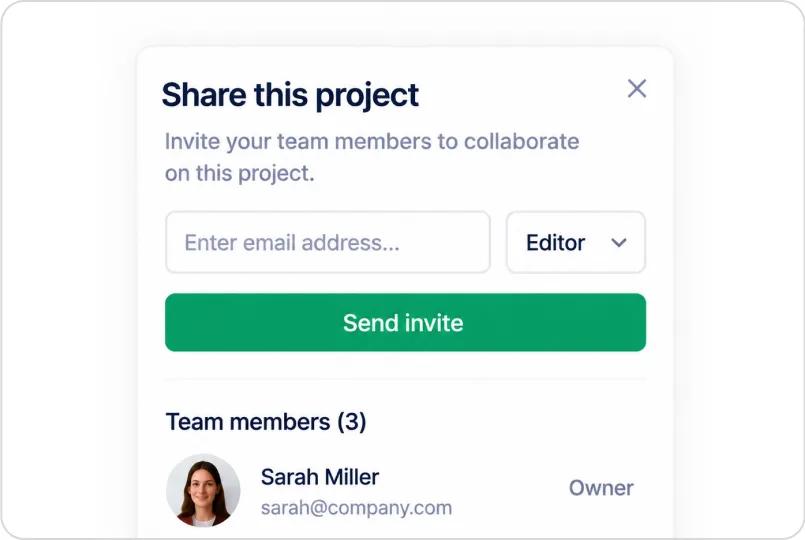
Bring teammates into a Project and work the pipeline together.
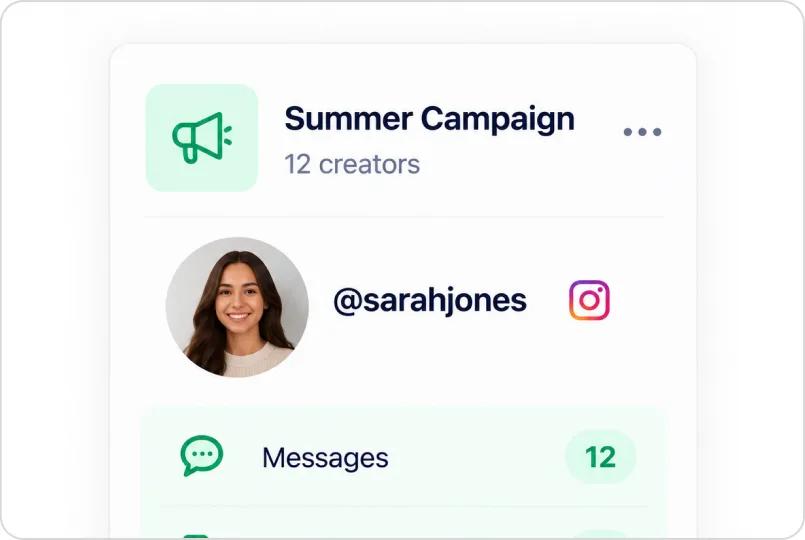
Data stays isolated per Project, so the same creator across campaigns keeps clean, separate histories.
Common questions about running campaigns inside Projects.
An influencer CRM is where you track and manage your relationships with creators, from first contact through to an approved collaboration. In Heepsy, that’s the Board view inside each Project, a visual pipeline you move creators through.
Each campaign gets its own Project. You add creators, move them through pipeline stages, and manage every conversation, agreement, and payment from one workspace.
Yes. Each Project keeps its own records, so a creator can appear in several campaigns at once without their data mixing.
Yes. Projects support collaboration and sharing, so teammates can work the same pipeline together.
Yes. The default stages are Candidates, Contacted, Negotiations, and Approved, and you can rename and reorder them to match your workflow.
Paid plans include unlimited Projects, so you can run as many campaigns as you need.



 1.8M
1.8M